
Denowatts Portal
The Denowatts Portal is where you set up, monitor, and report on your solar sites. Use it to view site and portfolio status, track alarms and events, review performance against Denowatts benchmarks, run capacity and energy tests, and schedule reports for your team.
Portal Guide
- DenoAI: the native Agentic Guide for questions and how-to instructions.
- Data Setup: Data Ingestion Setup and Data Server Setup.
- Site Modeling: Virtual Site Builder, Model Management, and PVsyst Upload.
- Monitoring & Reporting: Events, Alarm Notifications, Daily Status Report, and Report Builder.
- Site Overview: Denobox, Site Setup Tracker, and the Energy Model pages.
- Integrations: Modbus and API v3.
New to Denowatts? Start with the Platform Overview.
Sign Up
If your company already has an account and projects with Denowatts
- Go to portal.denowatts.com.
- Click Sign Up.
- Fill out the required fields.
- Log in to view your company's sites.
- Contact support@denowatts.com if you don't see what you are looking for.
If your company has projects with Denowatts but no account
- Go to portal.denowatts.com.
- Click Sign Up.
- Fill out the required fields.
- Log in. There will be no sites to view yet.
- Email support@denowatts.com to request an account and tell us which sites to add.
If your company does not have an account or a project with Denowatts
- Go to denowatts.com and request a quote or demo from the home page.
Sign-Up Walkthrough
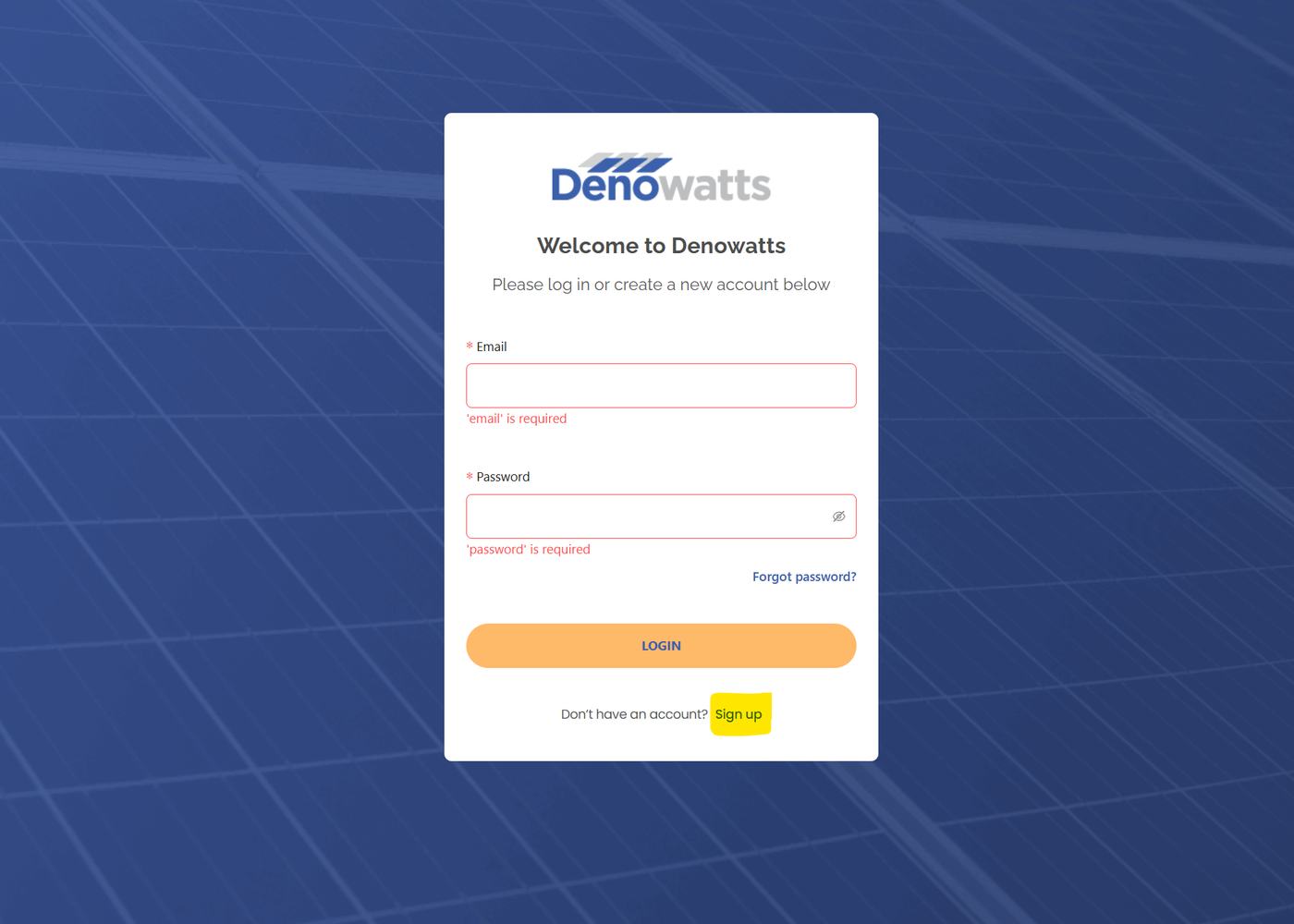
1. Open the Sign-Up Page
Go to portal.denowatts.com and click Sign Up.
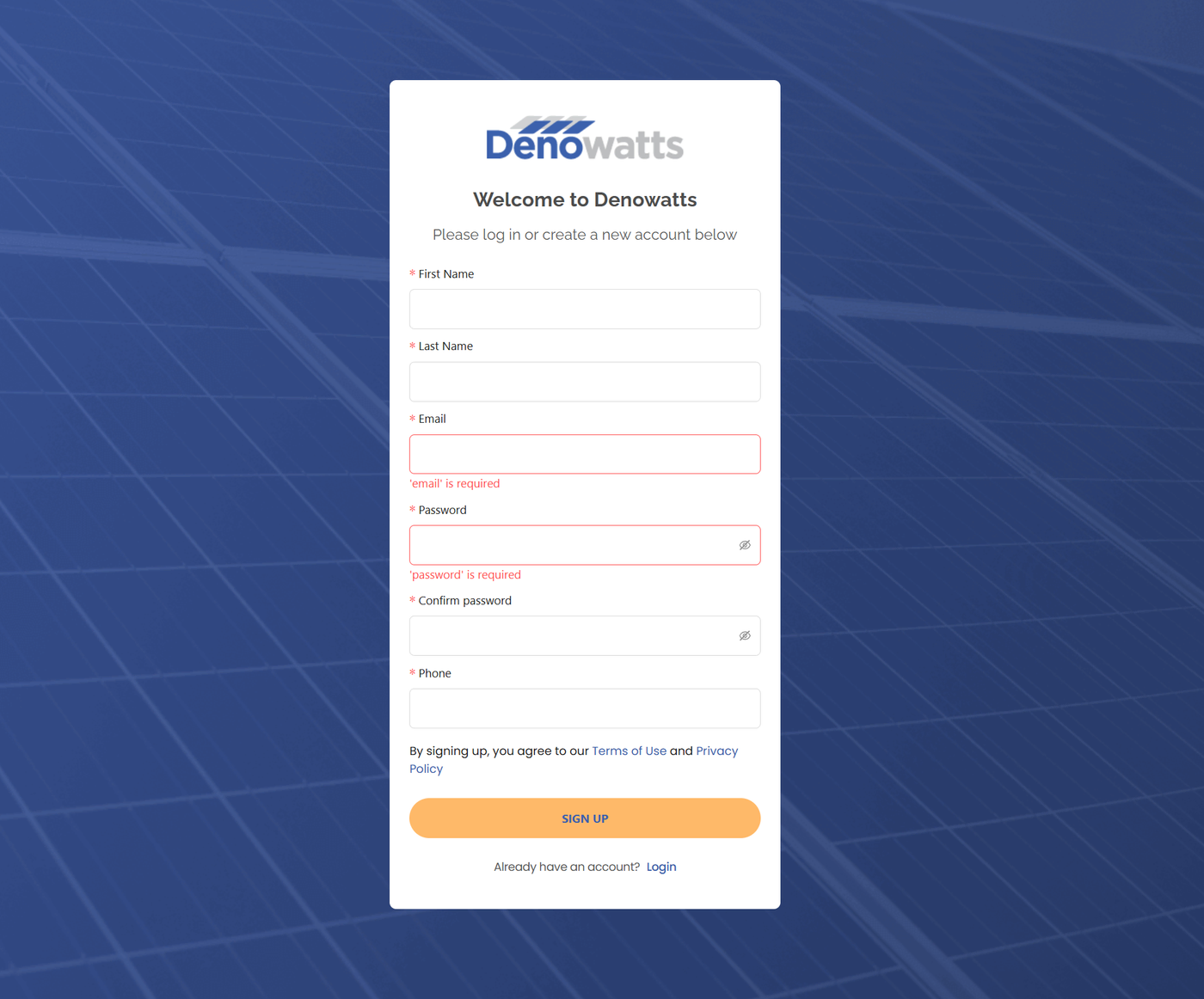
2. Submit
Fill out all fields and submit.
Last updated on